
Evening Rose
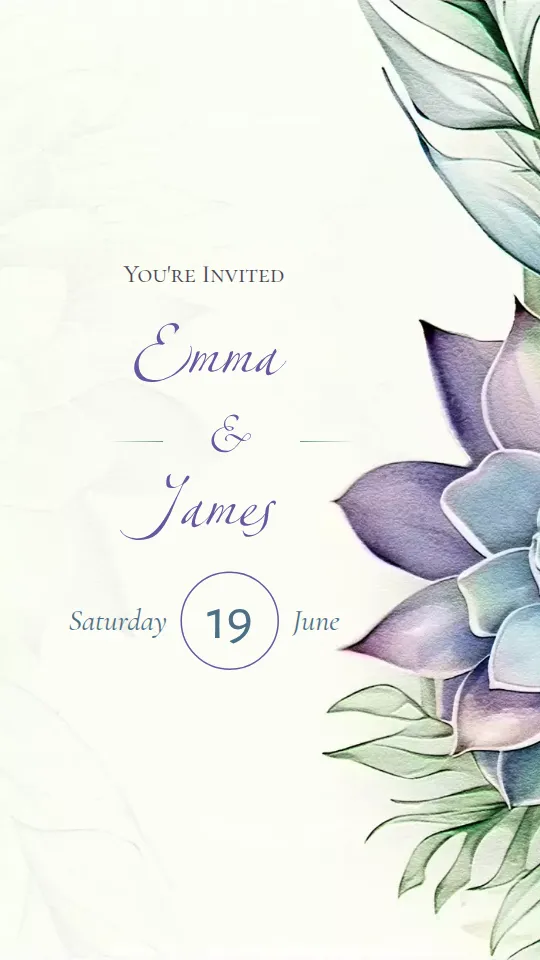
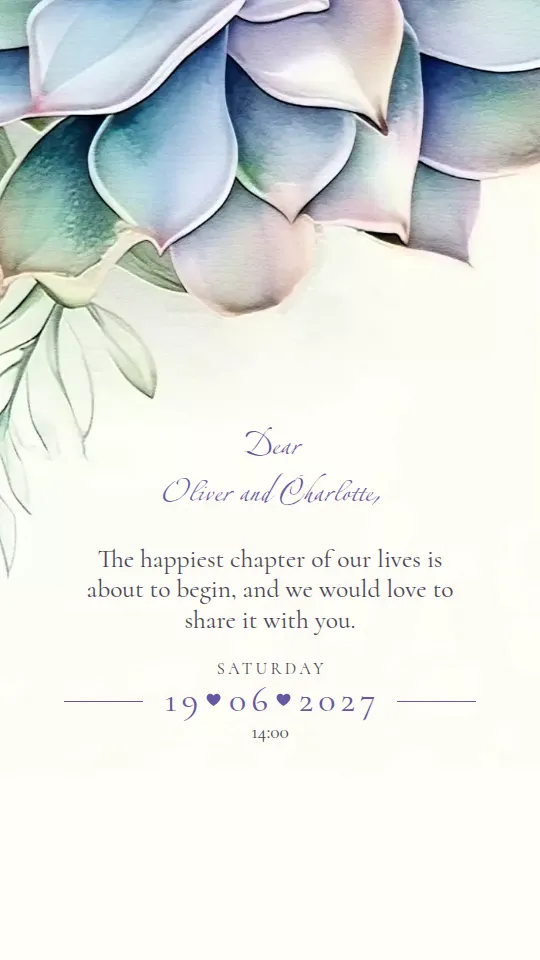
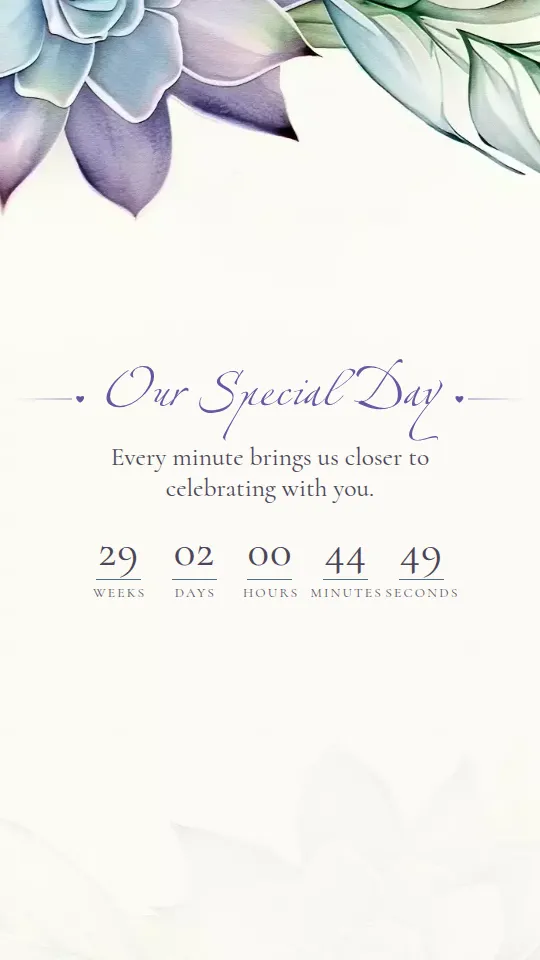
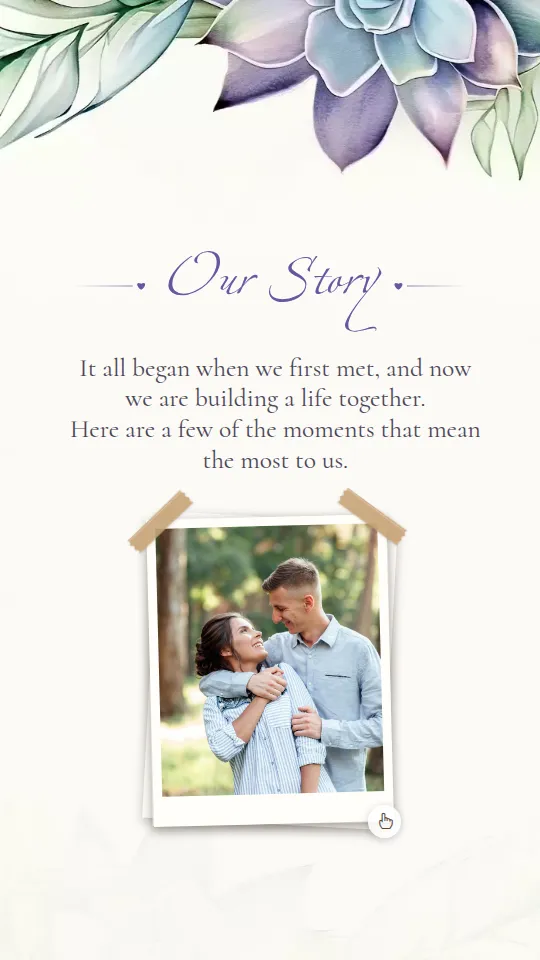
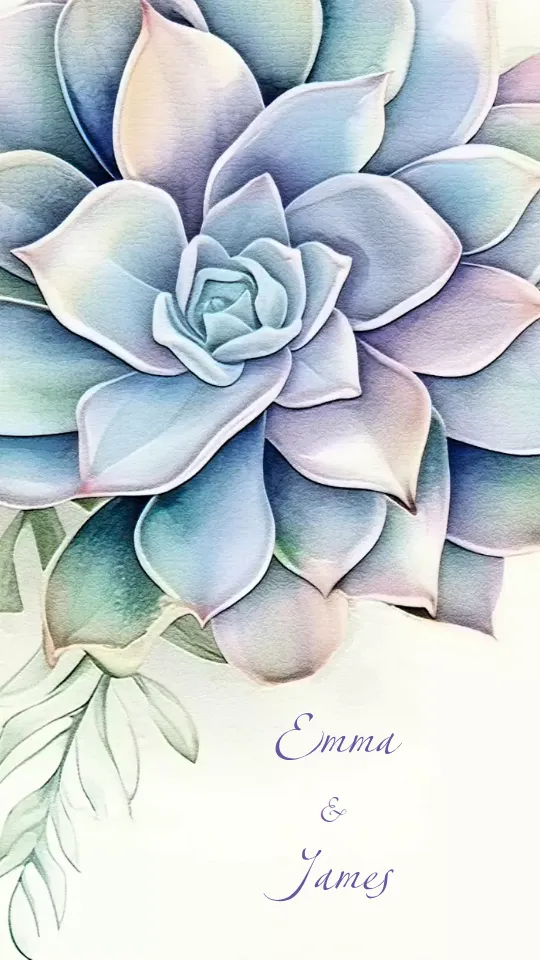
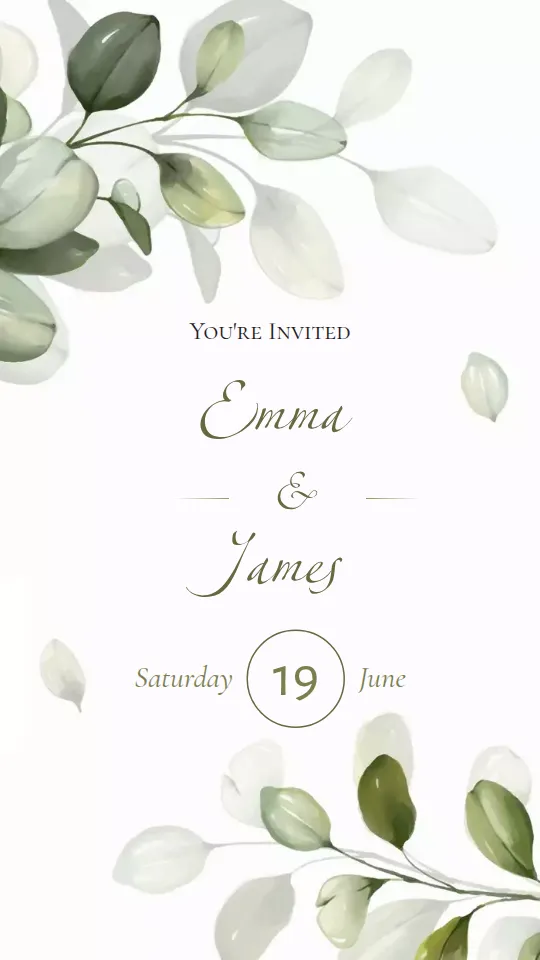
The wedding invitation design is created in a watercolor technique using delicate pastel tones. A harmonious combination of purple and green shades creates a sense of freshness and natural beauty, as if the invitation were enveloped in a gentle spring breeze. This invitation is perfect for those who appreciate the beauty of nature and wish to surround their special day with an atmosphere of elegance and romance.
With this design, your wedding website, printed invitations, and all reception stationery will share a single, cohesive style.
All pages of the wedding website
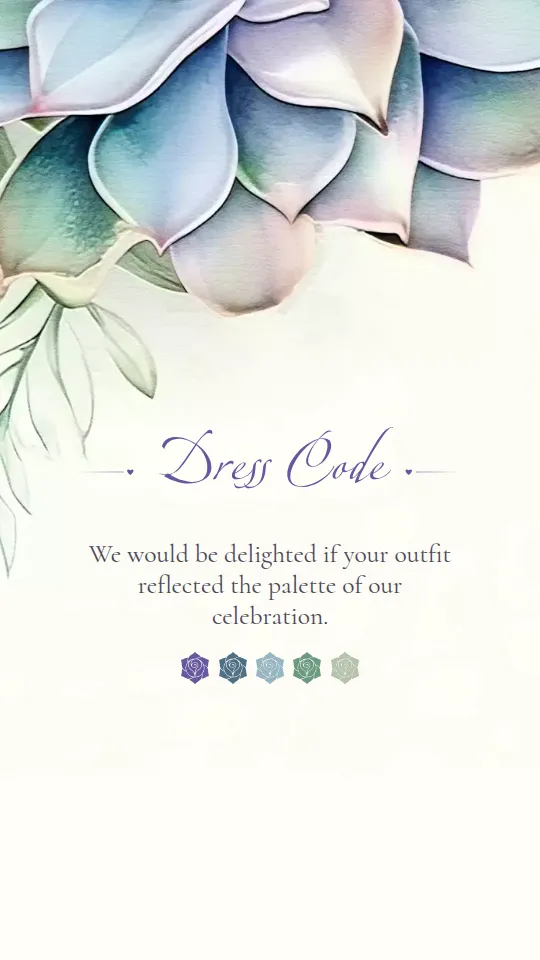
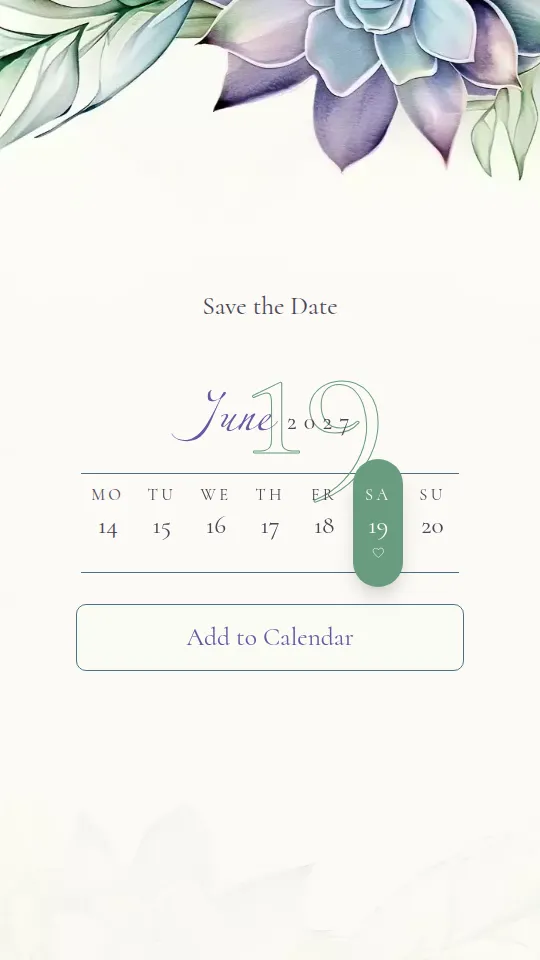
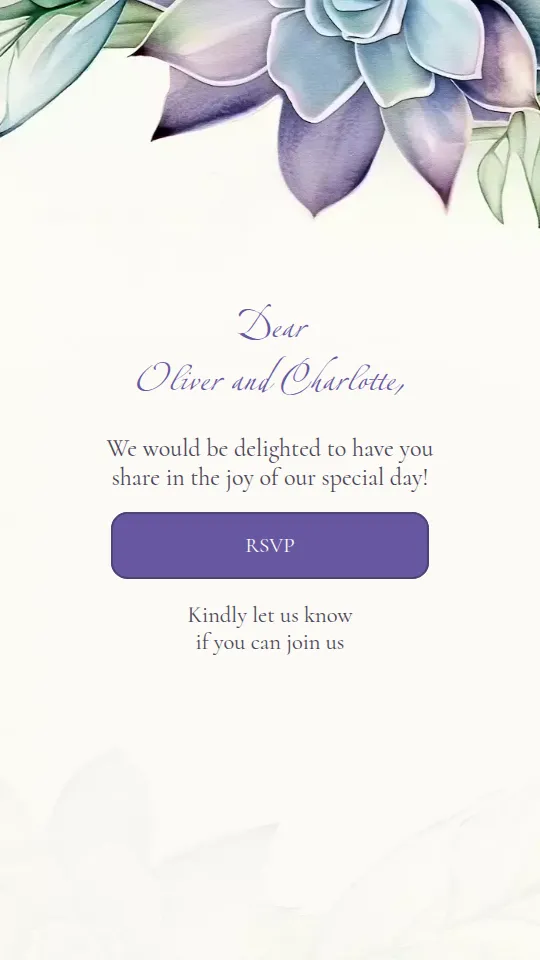
Guests swipe through the invitation like stories: from the intro to the RSVP. Here's what all the pages look like in your chosen design.
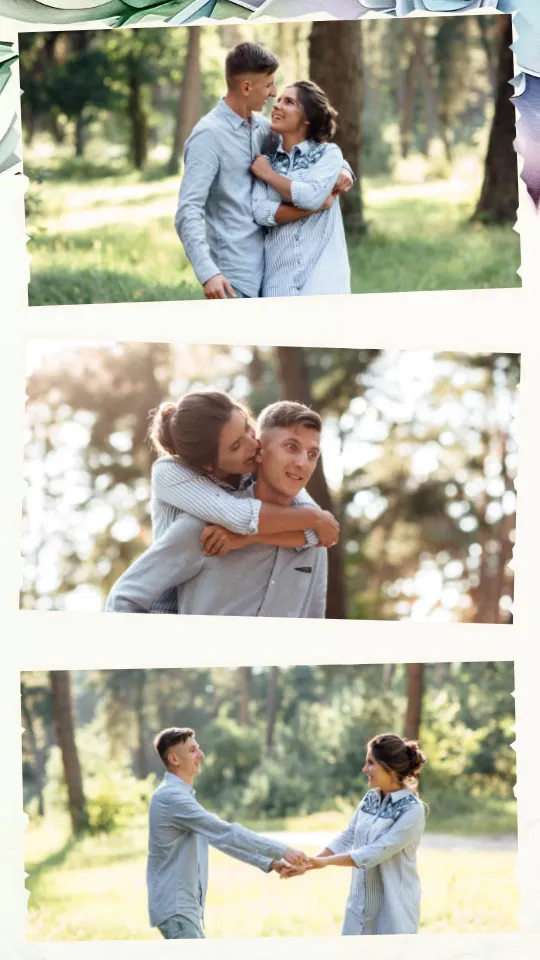
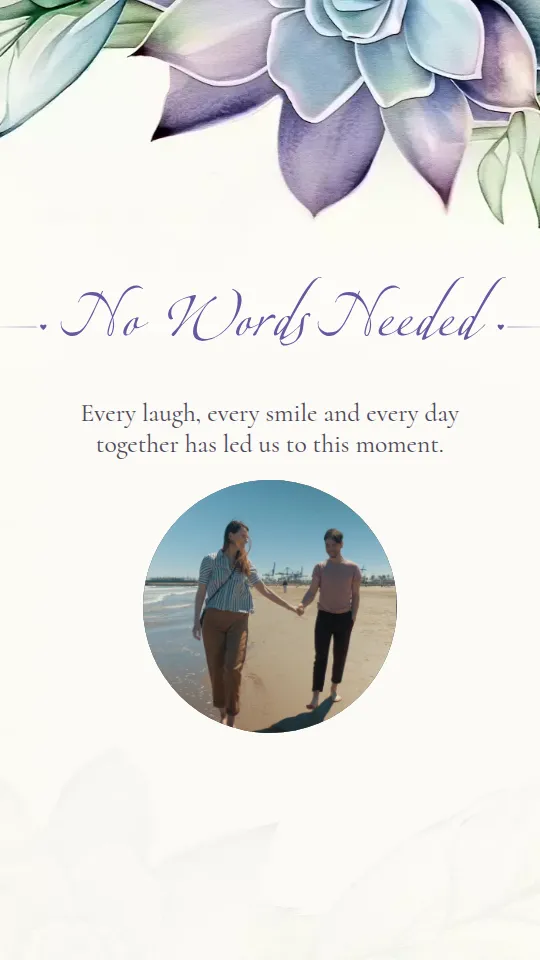
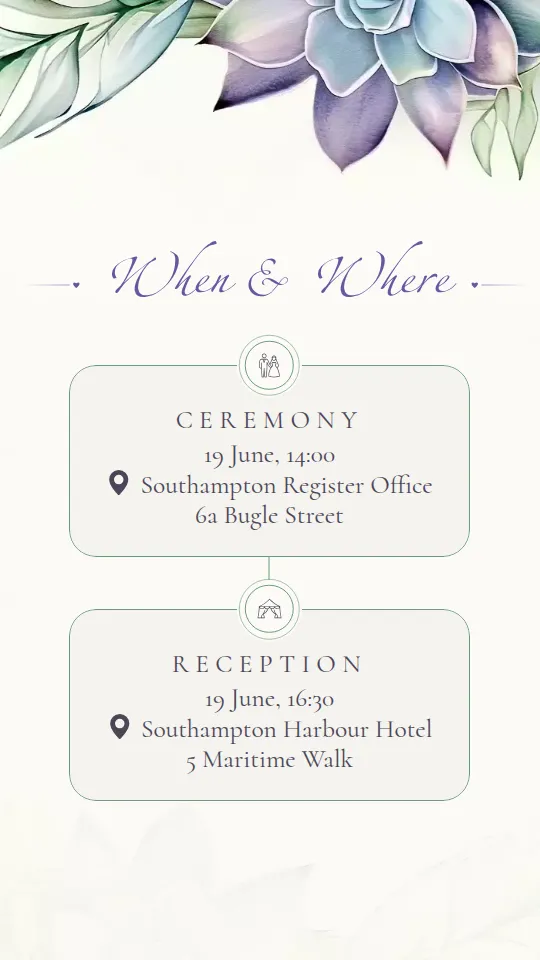

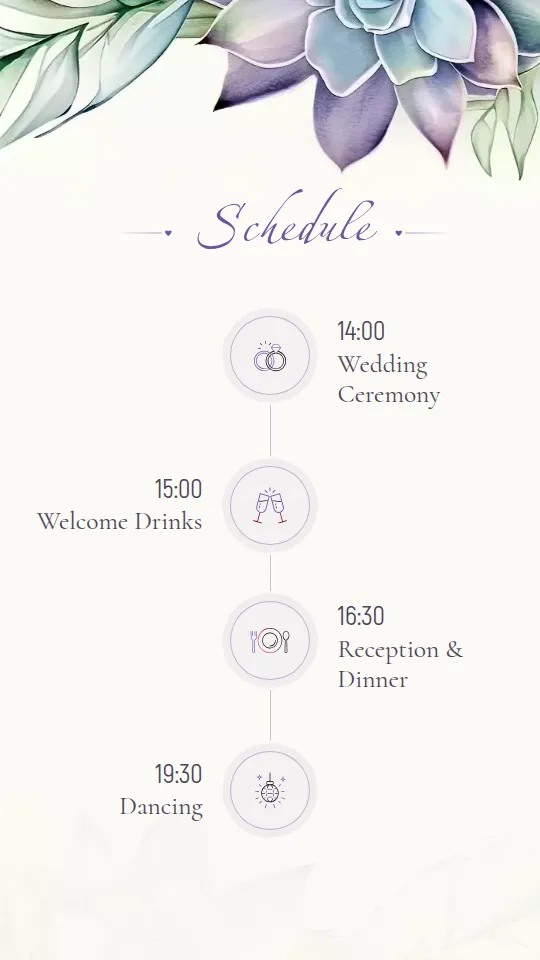
Invitations and reception stationery
All the printed stationery you need for the event perfectly matches your wedding website. You only need to enter guest names, table numbers, and menu choices once in your project, and they’ll automatically appear on all cards. Then, simply download the ready-to-print files and send them to the print shop.
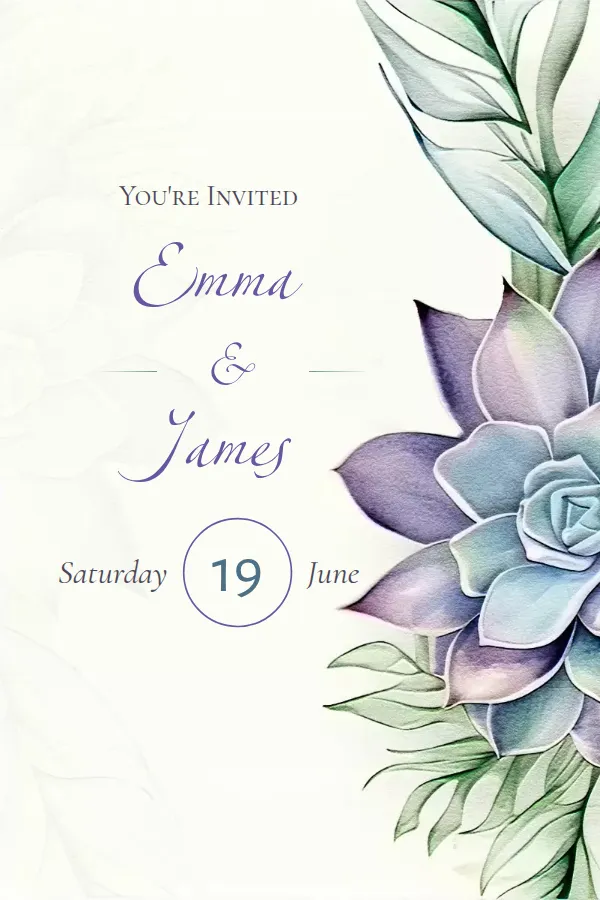
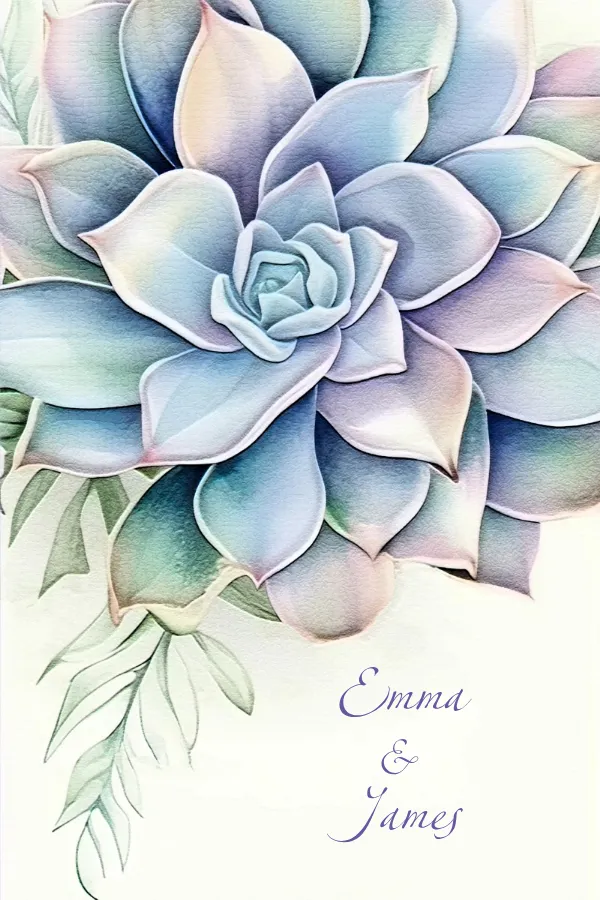
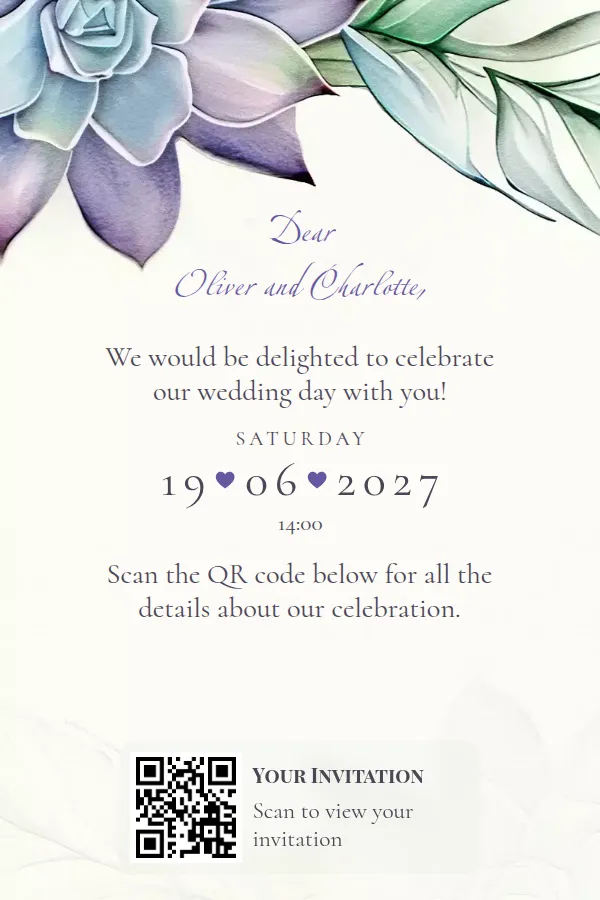
Invitation
Double-sided invitation: each copy is personalized with the guest's name and a QR code linking to the wedding website. Paired with an info card containing event details.
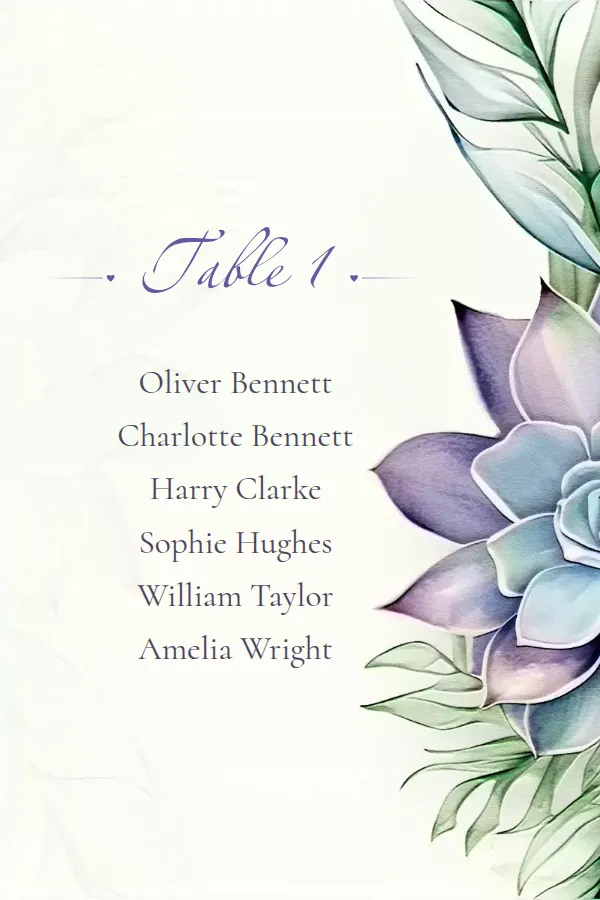
Seating card
Seating chart. Guests can easily find their seats.

Table number
Large table number. Visible from a distance so guests can easily find their table.
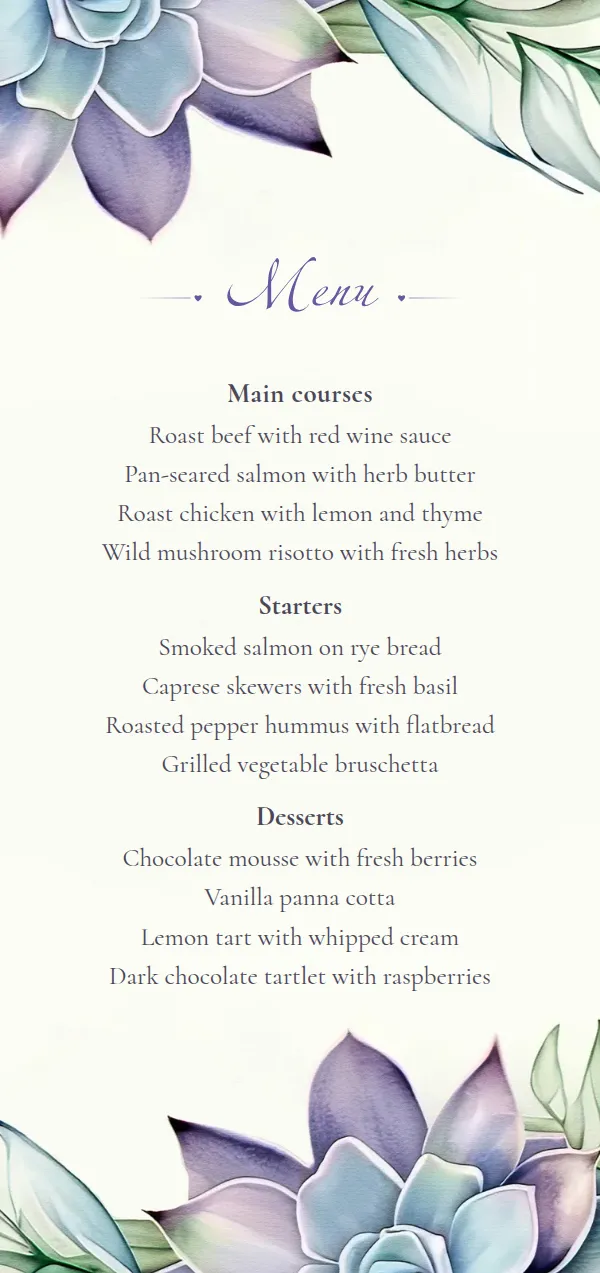
Menu
Slim reception menu card. Placed on the plate or next to the place setting.

Place card
A personalized place card at each setting. An icon shows the servers which main course the guest selected.
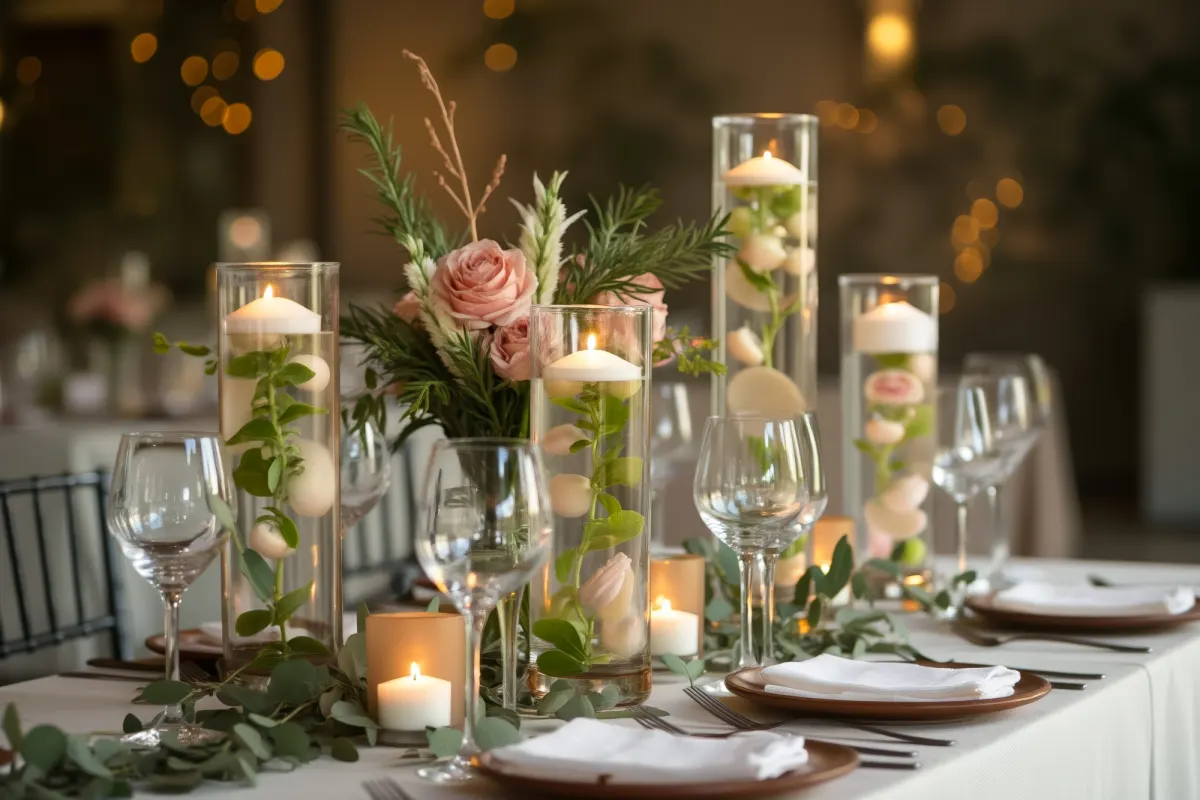
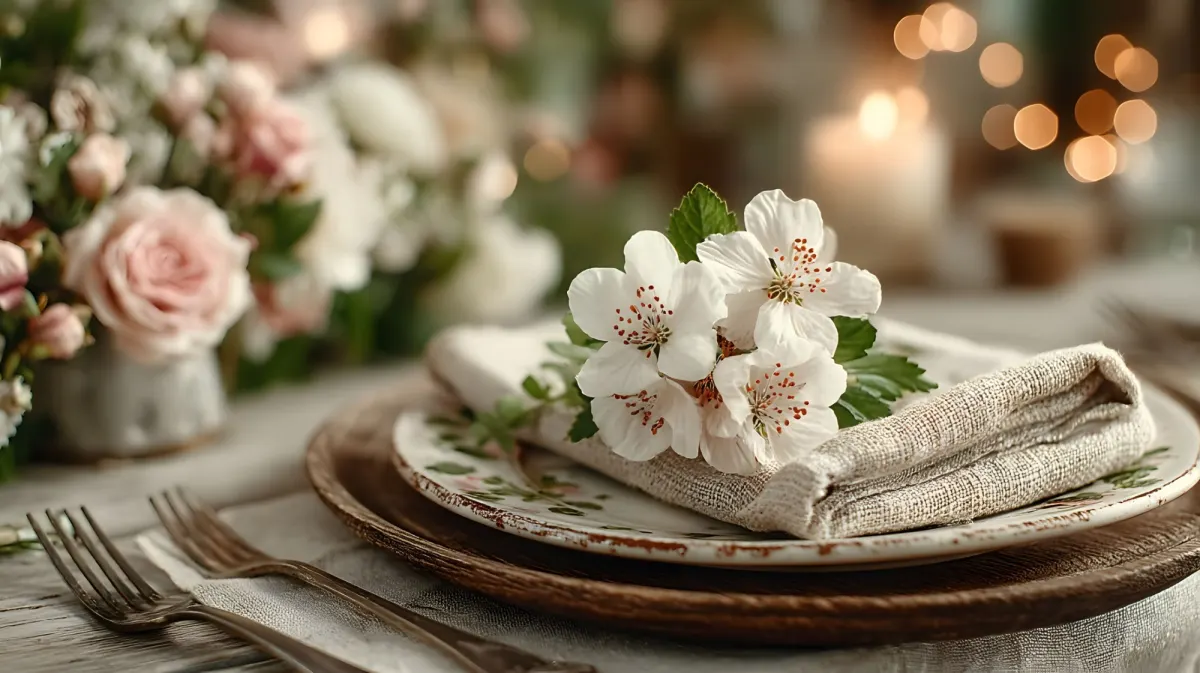
Stationery in real life
See how the invitations and reception stationery look in a real event setting.
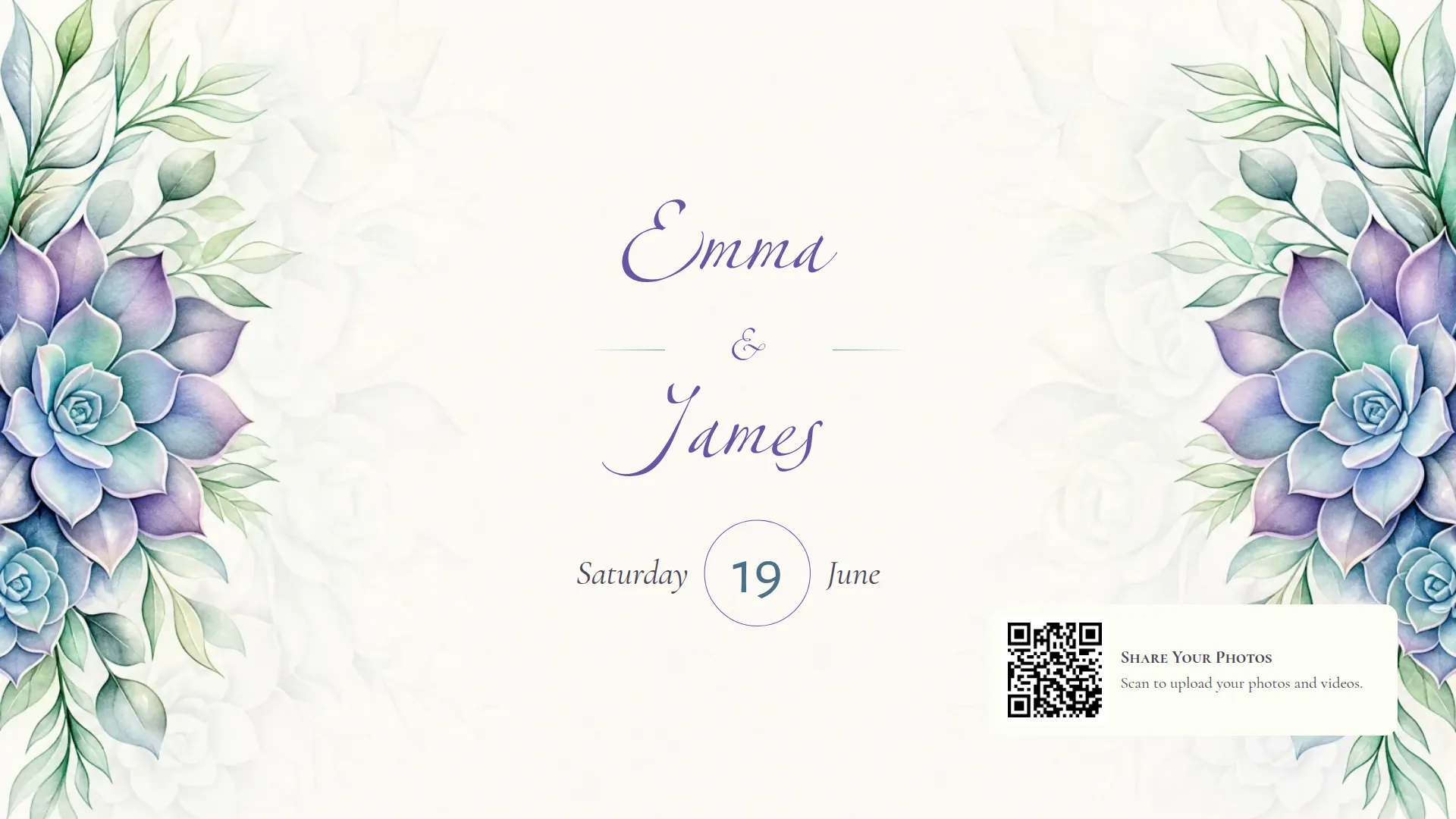
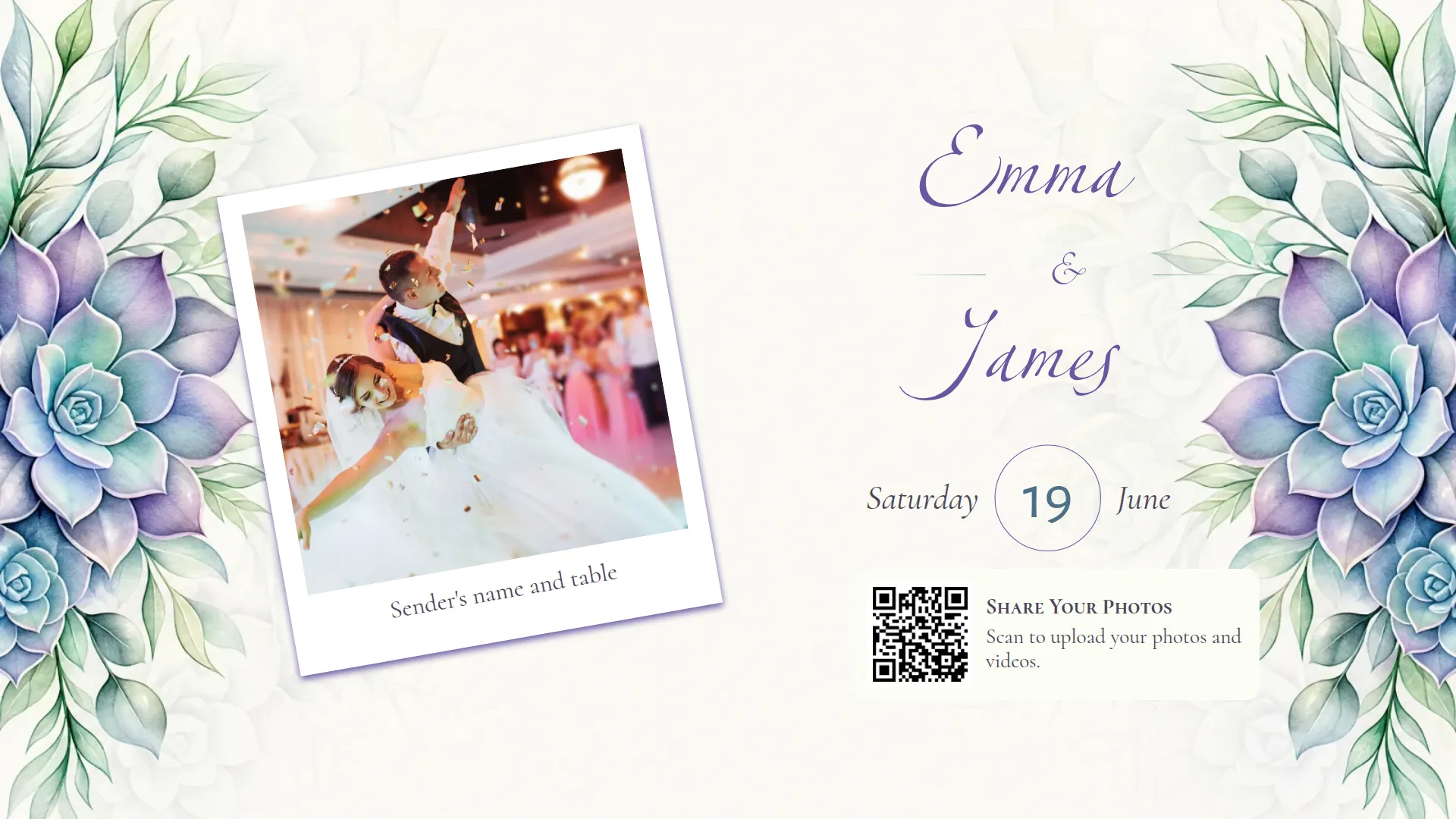
Video wall to match
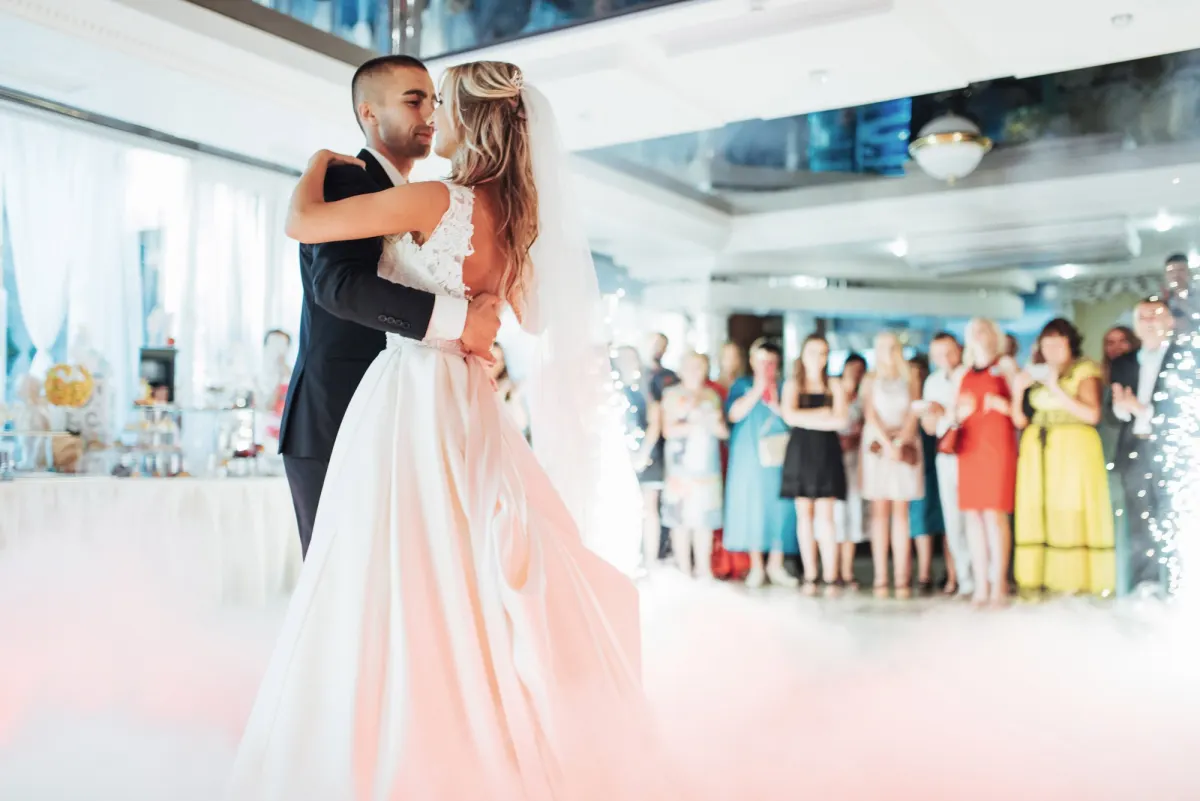
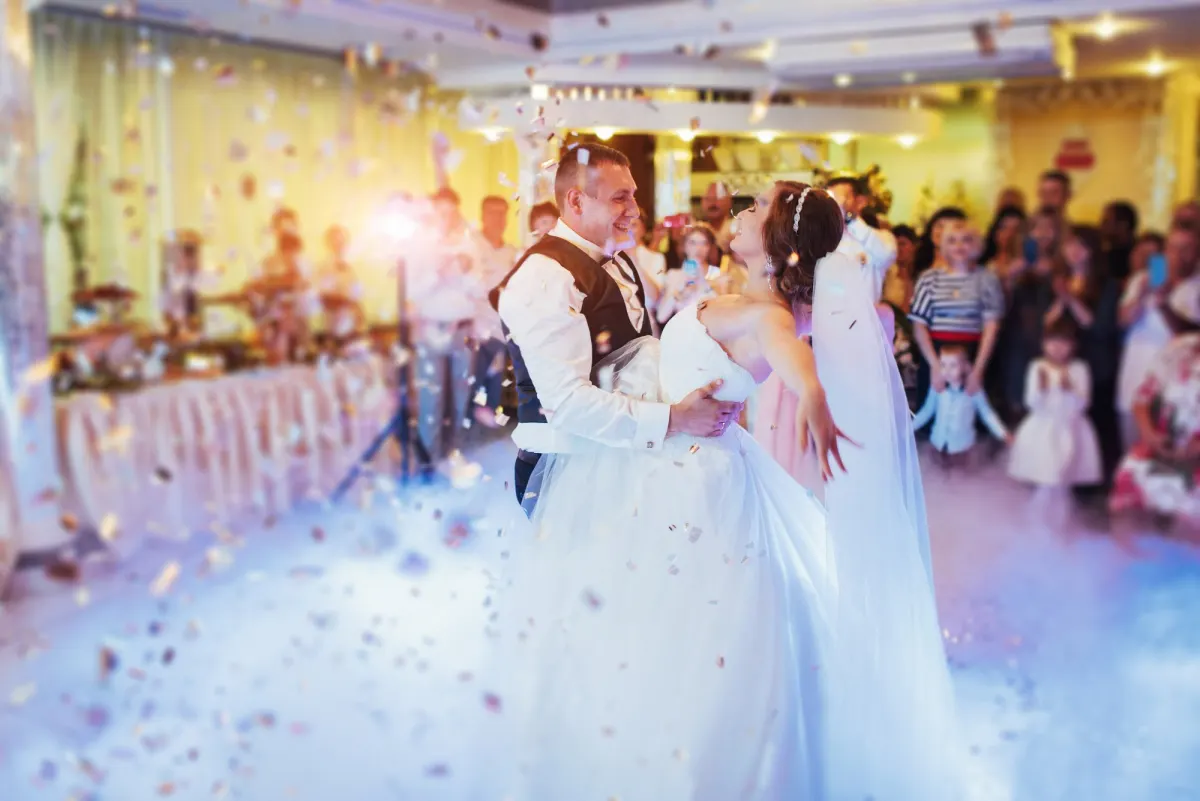
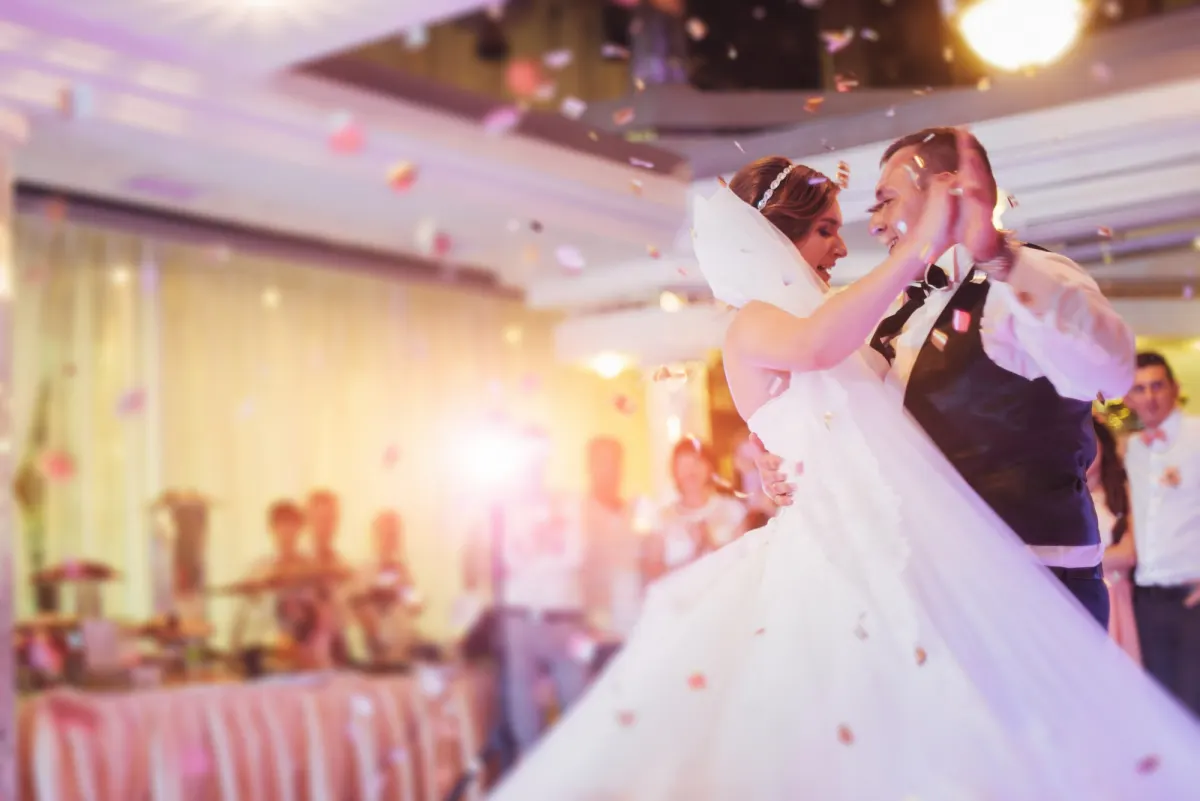
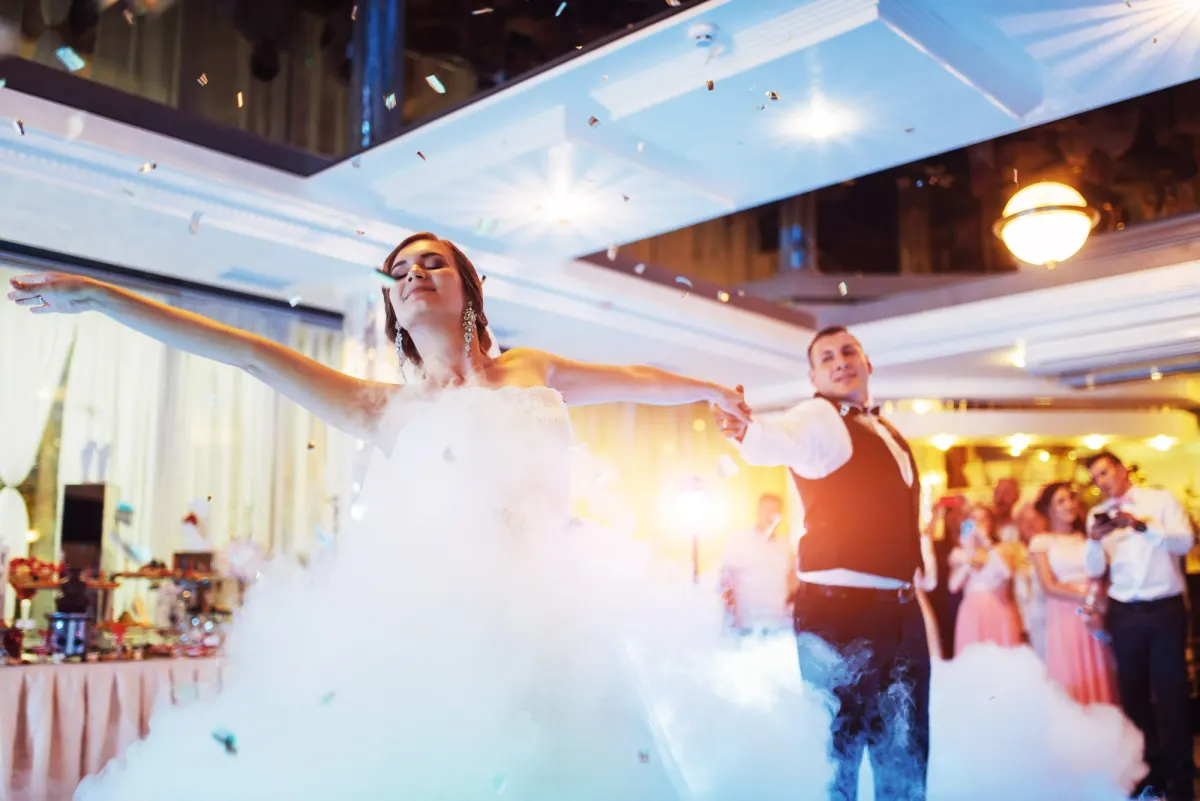
Guests can share photos and videos by scanning a QR code, and the best shots will instantly appear on a big screen at the venue. The names, date, and colors on the screen will perfectly match your website and invitations.
-
No apps needed
Guests can simply scan the QR code on the screen and open the album in their browser.
-
AI moderation
Inappropriate photos won't make it to the screen—only the moderator will see them.

-
Moderator controls
Use your phone to pause the slideshow, display a specific photo, or hide unwanted ones.
-
All originals
After the event, you can download the entire album as a single archive.
You might also like

Make wedding planning part of the celebration
Create a project, choose a design, and start inviting guests today.